📑 A report explained in words
Not every owner reads a trial balance. The GC’s Artificial Intelligence explains the report on your screen in plain language, as text ready to share.
🔍 What you get
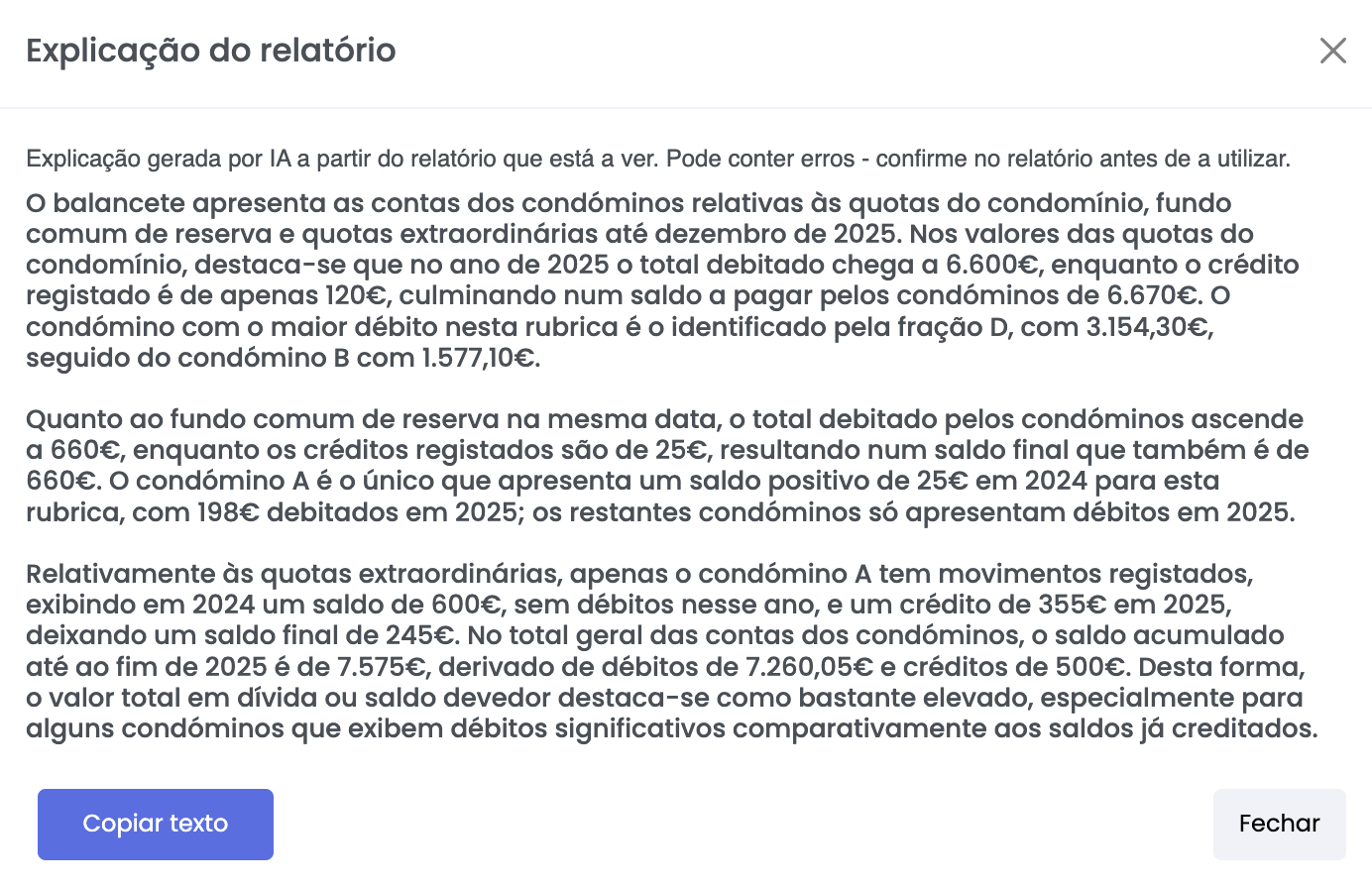
⚙️ How to use it
- Open any report in the GC
- Click Explain with AI
- Wait while the AI reads the report
- Read the explanation in the window that opens
- Click Copy text to paste it into an email or into minutes
💡 What the AI does for you
- Describes what the report’s figures say
- Highlights the heaviest amounts
- Writes without accounting jargon
- Works both on system reports and on custom ones
🚫 What the AI does not do
- It does not calculate new figures: it works only from what is in the report
- It does not explain causes or assign responsibility
- It does not recommend management decisions
The explanation describes what the figures say, and nothing more.
⚠️ Important notes
- The explanation may contain errors — check against the report before using it
- It is not stored or attached to the report: it is a reading aid, not a document
- Costs 1 credit for every 50,000 characters of the report
- Reports above 300,000 characters are not accepted, as a specific answer is no longer possible
- The feature must be enabled under
Administration >> AI >> Features
✅ Next step
Explore other AI features as well:
- How to query the GC from an AI assistant
- How to import owner debts from a file
- How to generate budget suggestions